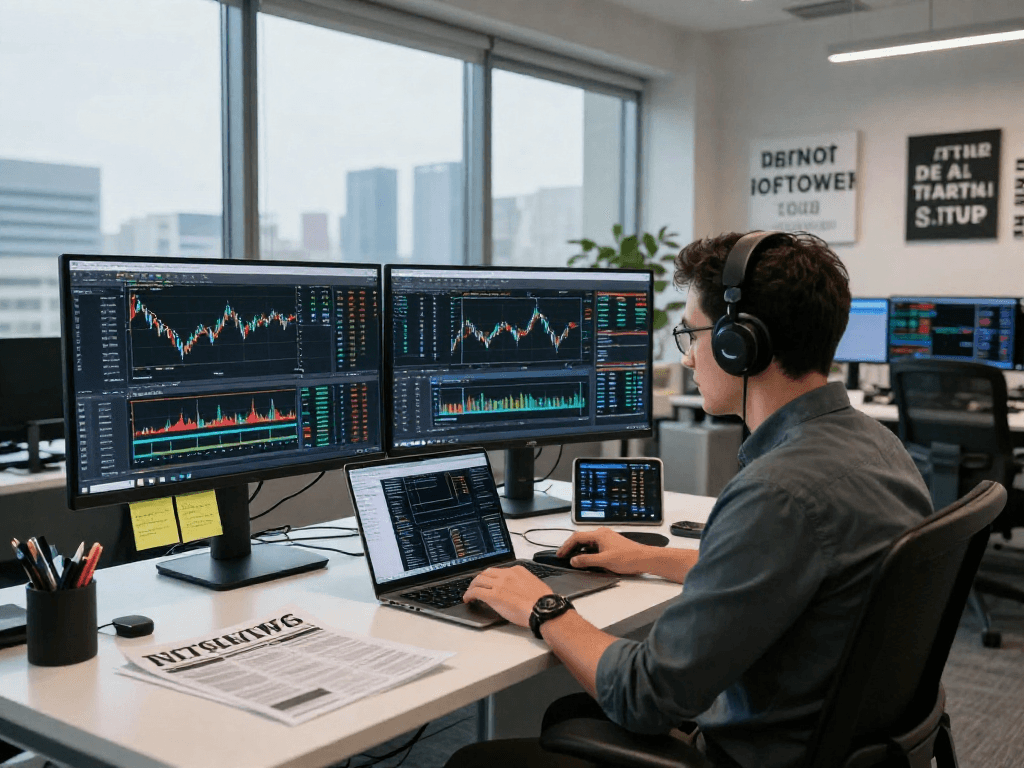
Understanding TradingView's Multi-Market Capabilities
In today's dynamic trading environment, access to diverse markets and real-time data can make a significant difference in an investor's success rate. TradingView stands out as an essential platform for traders and investors seeking comprehensive insights across various asset classes. With its advanced features and user-friendly interface, TradingView provides traders with the tools necessary to navigate the complexities of multiple markets effectively.
What Markets Can You Access on TradingView?
TradingView excels in offering users a broad spectrum of financial markets. Investors can access stocks, forex, cryptocurrencies, futures, and indices, among others. This cross-market functionality ensures that users have a holistic view of their investment options.
Evaluating Asset Classes within TradingView
When diving into the specifics of asset classes on TradingView, users will find a comprehensive list that includes major equities from top exchanges globally, commodities like gold and oil, as well as a plethora of cryptocurrencies. Each asset class comes equipped with real-time data, allowing for informed decision-making.
Key Features Supporting Multi-Market Analysis
- Multi-Chart Layouts: Users can analyze multiple charts concurrently, making it easier to compare trends and correlations between various markets.
- Technical Indicators: TradingView offers an array of technical indicators that can be easily applied across asset classes, facilitating advanced technical analysis.
- Customization Options: Traders can personalize their workspaces to suit their specific analysis needs, enhancing overall productivity.
Deep Diving into TradingView's Charting Features
At the heart of TradingView is its robust charting capability, which serves as a critical tool for any trader. With the ability to switch between different time frames and overlays, this platform makes technical analysis accessible and efficient.
Utilizing Advanced Charting Tools
TradingView provides a wide range of chart types, from candlestick to line charts, allowing users to choose the best format for their analysis. These tools enable traders to visualize price actions and identify patterns effectively.
Interpreting Technical Indicators on TradingView
Users can apply various technical indicators, such as moving averages and Bollinger Bands, directly onto their charts. This capability aids in recognizing market trends and potential reversal points, vital for strategic trading decisions.
Setting Up Customizable Chart Layouts
One of the standout features of TradingView is the ability to create customizable chart layouts. This allows traders to save their preferred setups, making it quick and easy to access critical information on the go.
Maximizing TradingView Alerts for Effective Trading
The alert system on TradingView is a game-changer for traders who cannot monitor the markets full-time. By setting price and technical alerts, users can focus on their strategies without the constant need to watch price movements.
How to Set Up Price Alerts Effectively?
To set a price alert, users simply click on the price level on the chart where they want to be notified. This can be particularly beneficial during volatile market conditions where prices can swing dramatically.
Differentiating Between Price and Technical Alerts
Price alerts notify users when an asset reaches a specific price point, while technical alerts inform users when particular technical criteria are met (e.g., moving averages crossing). Understanding these distinctions can enhance trading strategies significantly.
Leveraging Alerts for Strategic Decision Making
By utilizing alerts, traders can spend more time on analysis rather than monitoring price changes. This allows for more strategic decision-making based on market conditions rather than reactionary trades.
Cross-Device Functionality and User Experience
Another compelling aspect of TradingView is its versatile functionality across multiple devices. Whether you are on a desktop, tablet, or smartphone, the platform ensures a seamless trading experience.
Using TradingView on Various Platforms
TradingView is available on various operating systems, including Windows, macOS, and Linux, along with mobile applications for iOS and Android devices. This cross-platform accessibility ensures that users can trade and analyze data no matter where they are.
Ensuring Seamless User Experience Across Devices
The user interface is consistent across all devices, allowing traders to pick up where they left off without any learning curve. Features like saved layouts and custom settings sync across platforms, making transitions effortless.
Tips for Optimizing Trading on Mobile vs. Desktop
While the desktop version of TradingView offers extensive features for in-depth analysis, the mobile version is optimized for quick trades and alerts. Users should leverage the mobile application during market hours for on-the-go updates while utilizing the desktop for detailed analysis after hours.
Common FAQs About TradingView Features
As a comprehensive platform, TradingView often raises several questions among prospective and current users. Here we address some of the most common queries.
Do I Need the Desktop Version for Full Features?
No, while the desktop version offers enhanced features, many core functionalities can be effectively used via the web and mobile platforms. This flexibility allows users to choose the option that best fits their trading style.
What Are the Differences Between Free and Paid Plans?
Free users have access to a limited set of features, whereas paid plans offer additional functionalities, such as more advanced indicators, increased alert settings, and ad-free experience. The pricing page on TradingView provides detailed information on these differences, helping users select the right plan for their trading needs.
Who Should Use TradingView and Why?
TradingView is designed for traders of all levels, from beginners seeking to learn the basics to professional traders needing advanced analytical tools. Its multi-market access and robust features make it an invaluable tool for anyone serious about trading.